
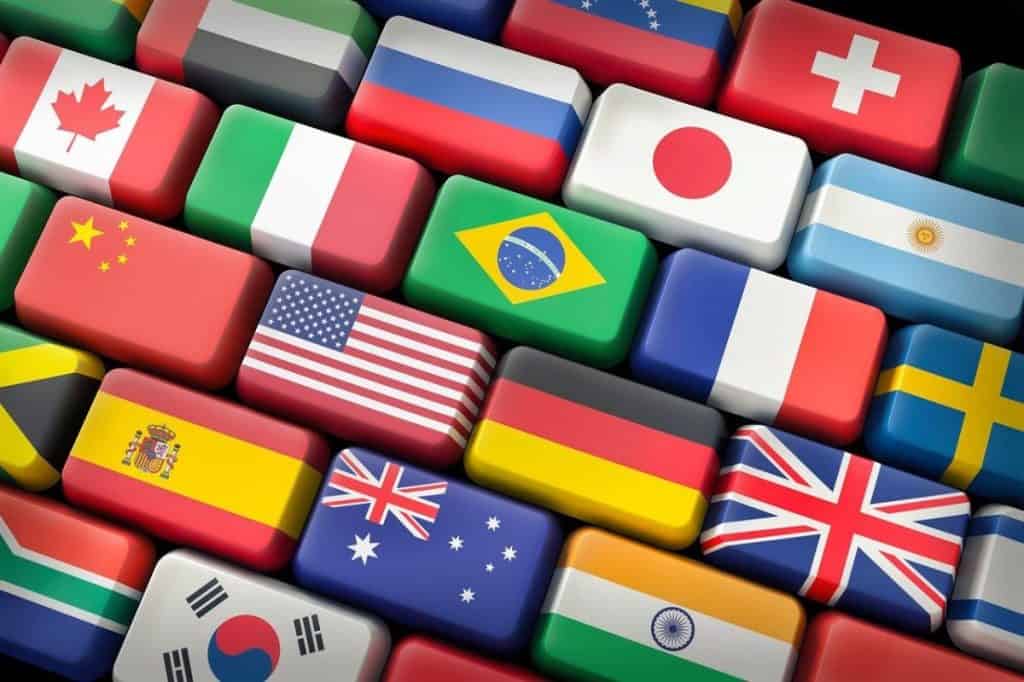
If you’ve ever noticed that flag emojis don’t display on Windows the way they do on Android, iOS, or macOS, you’re not alone. Instead of the colourful national banners you might expect, Windows typically displays a two-letter country code, like AU for Australia or US for the United States. This discrepancy stems from a combination of technical and design choices by Microsoft. Let’s explore why this happens and whether it might change in the future.
What’s happening with flag emojis on Windows?
Most major operating systems, like iOS and Android, render flag emojis as vibrant, detailed icons. For instance, 🇬🇧 (the UK flag) appears as a fully-fledged graphic on most devices. On Windows, however, you might see “GB” inside a grey box instead of a flag.
The issue arises because Windows doesn’t natively support regional indicator flag rendering. Regional indicators are a special type of emoji consisting of two letters (e.g., “U” and “S” for 🇺🇸). Operating systems combine these two letters into a single flag emoji. But Windows skips this rendering process, displaying the base letters instead.
Why doesn’t Windows display flags?
Flags represent countries, but they can also carry complex political and cultural implications. Microsoft, like other tech companies, operates in a global market with diverse and often conflicting sensitivities. For example, disputed territories or unrecognised states—such as Palestine, Taiwan, or Kosovo—often have flag emojis, but displaying them can provoke controversy in certain regions. By avoiding national flags altogether, Microsoft appears to be sidestepping these challenges.
What makes this approach particularly intriguing is that not all flags represent geopolitical territories. Some flags symbolise cultural, ethnic, or ideological identities. Interestingly, Microsoft already supports flags with political and social significance, such as the Rainbow Flag 🏳️🌈 and the Transgender Flag 🏳️⚧️. These flags inherently engage with political and cultural discourse, raising questions about consistency in Microsoft’s stance. If Microsoft is willing to embrace the symbolism of LGBTQ+ representation, why not extend that support to flags representing nations like Palestine or Israel? Or, as a bold step, introduce an emoji for the Aboriginal Flag—a widely recognised symbol in Australia, yet one no major platform has adopted as an emoji.
Will Microsoft add flag emojis in the future?
There’s no official indication that Microsoft plans to change its approach to flag emojis. However, user feedback could influence future updates. If enough Windows users express interest in graphic flags, Microsoft might reconsider.
In the meantime, flag emojis can still be seen in Windows applications like Microsoft Teams, but only if they’re rendered using web-based technologies or accessed via browsers. This is because many web platforms (e.g., Twitter, Discord) rely on custom emoji sets that include flags, bypassing Windows’ limitations.
How to add flag emojis to Windows
It was once possible to install a custom font on Windows to enable the display of flag emojis. However, an update has rendered this method ineffective. The most practical workaround now is to use a browser extension. For Chromium-based browsers like Google Chrome and Microsoft Edge, the Country Flag Fixer extension is an excellent choice. It replaces country code placeholders with flag designs from Twemoji (Twitter’s emoji set).
Keep in mind that this solution only fixes flag emojis within your browser—it won’t affect how emojis are displayed elsewhere in Windows.